Corporate ordering for UK takeaways means supplying office meals through an agreed menu, delivery schedule and straightforward business payment process. To build a £10,000 annual account, win one recurring office lunch, protect your margin and make each reorder consistently easy.
For example, 25 meals at £10 each, ordered across 40 weeks, produce £10,000 in annual sales. That is a planning calculation, not a guaranteed contract or profit figure.
This guide is for takeaway owners approaching office managers, executive assistants and workplace teams. It covers finding buyers, pricing lunches, testing delivery and turning a first order into repeat business.
Food safety belongs in that plan. The Food Standards Agency’s guidance, updated in July 2026, covers 14 declarable allergens. Check the official guidance when preparing your office menu.
Corporate ordering for UK takeaways
Corporate ordering is a business purchasing meals for staff, meetings or workplace events. An office buyer usually needs clear quantities, costs, deadlines and one accountable contact.
Start with a service your kitchen can repeat comfortably. A weekly lunch for 20–30 people can provide a manageable starting point.
Choose how the office orders:
Ordering modelHow it worksMain operational requirementOrganiser places one orderOne buyer submits everyone’s choicesAccurate quantities and meal identificationEmployees choose individuallyStaff submit choices before a deadlineConsolidation and budget controlsFixed weekly menuBuyer confirms headcount and menuRotation, amendments and capacity planning
What makes a £10k office account?
A £10,000 office account means one business spends that amount over a defined period, usually a year. It can come from modest repeat orders rather than a single large event, provided the office keeps purchasing regularly.
Use this simple example:
25 meals × £10 × 40 ordering weeks = £10,000 annual sales.
Here, £10 is an illustrative price excluding VAT where applicable. Delivery is included, and 40 weeks allows for breaks and cancelled lunches.
If the buyer orders only 30 weeks, annual sales fall to £7,500. Treat expected spending separately from a signed minimum commitment.
Find the right office buyers
Target nearby businesses whose needs fit your kitchen and delivery capacity. Uselocal restaurant marketing to support direct outreach.
Build a small prospect list from public business websites and local directories. Start with offices, coworking spaces and business parks within a route you can reliably serve.
Record five details:
- Office address and realistic delivery time.
- Office manager, executive assistant or workplace contact.
- Typical headcount on shared office days.
- Existing lunch arrangements and budget.
- Supplier approval and payment requirements.
“We prepare individually boxed team lunches for offices in [area]. Our menu includes prices, dietary information and delivery details. Would a paid trial for your next team lunch be useful?”
Follow theICO’s business-to-business marketing guidance. Corporate subscribers have different email rules from sole traders and some partnerships.
Named contacts also involve personal data obligations. If subscriber status is unclear, apply the individual-subscriber rules and respect objections.
Build an office lunch offer
Offer a short menu that travels well and gives the buyer predictable pricing. Make dietary information and ordering deadlines easy to find.
Begin with a few reliable mains rather than your entire takeaway menu. Test packaging, portion consistency and food quality after the actual delivery journey.
Prepare a one-page proposal containing:
- Menu options and portion descriptions.
- Per-person price and VAT treatment.
- Delivery charge or confirmation that delivery is included.
- Minimum order and maximum accepted headcount.
- Order deadline and amendment cutoff.
- Allergen information and dietary options you can safely provide.
- Payment, cancellation and refund terms.
- Named contact for questions or delivery problems.
Avoid promising dietary options your kitchen cannot safely deliver. Vegan descriptions do not automatically mean food is safe for someone with a milk or egg allergy.
For distance selling, FSA guidance requires allergen information before purchase and at delivery. Written information at both stages is recommended.
Scottish operators should also consultFood Standards Scotland’s allergen guidance.
Price for a profitable account
Price each office order after counting its full delivery and preparation costs. A £10,000 account needs sufficient contribution to justify the work.
The following example uses hypothetical costs, not industry benchmarks or OrderApps fees. All figures exclude VAT where applicable.
Weekly order calculationAmountRevenue: 25 meals × £10£250Ingredients and packaging−£100Additional preparation labour−£35Delivery and handover cost−£15Ordering, payment and allocated software costs−£8Account administration−£7Contribution per order£85Contribution across 40 orders£3,400
That £3,400 remains before general overheads, acquisition costs, tax and unexpected losses. It is not net profit.
Offer recurring discounts only when advance planning produces genuine savings. Include tasting costs, refunds and late-payment exposure when reviewing account value.
Prove your delivery process
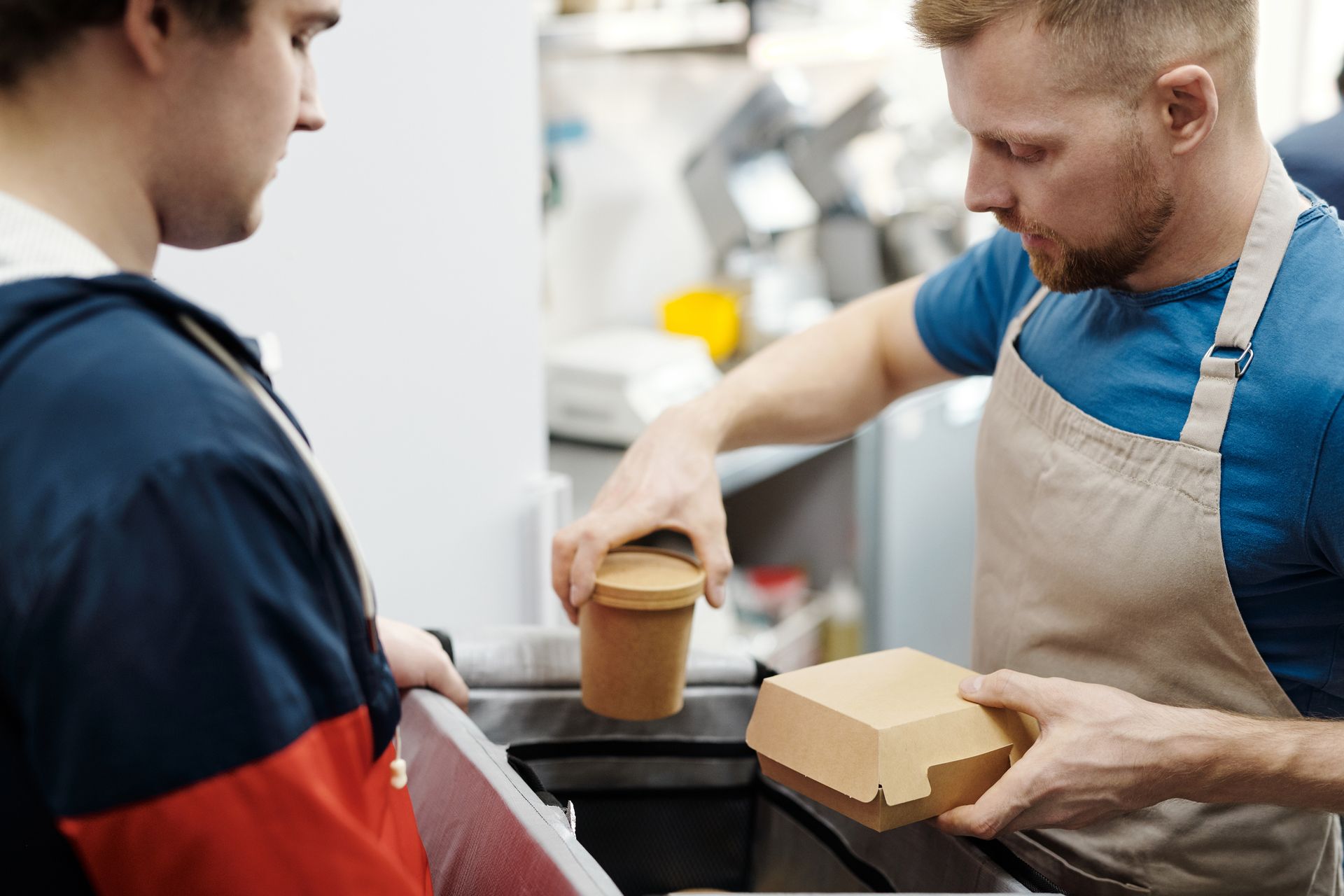
Use a paid trial to test whether your team can deliver the promised lunch service. Judge the full handover, including building access and meal identification.
Run this proposed acceptance test before accepting a larger recurring commitment:
- Confirm headcount, choices, address and reception contact.
- Agree an arrival window and building access instructions.
- Check allergen information against current recipes.
- Prepare, count and identify each meal.
- Follow your food safety procedures during transport.
- Record arrival time, missing items and buyer feedback.
Ask whether delivery means reception, a specific floor or a meeting room. Include parking, unloading and security delays in your schedule.
Make ordering and payment easy
Give the office one clear ordering route and confirm payment terms before preparing food. Use a written process for anything your software does not automate.
A branded website can give buyers access to your menu and checkout. ExploreOrderApps online ordering and itstakeaway ordering solution.
OrderApps lists branded delivery and collection websites on its pricing page.
As checked in October 2026, Starter costs £19 monthly plus a 3.9% transaction charge. Compare thecurrent OrderApps plans against your expected sales and total payment costs.
Ask for a demonstration of your intended office workflow. Confirm group-order consolidation, purchase-order references, invoicing and credit arrangements before promising them to buyers.
For invoiced accounts, followGOV.UK’s invoice requirements. Include identification, supplier and customer details, dates, charges and VAT where applicable.
Agree any credit terms separately.
Turn trials into recurring orders
After a successful trial, agree the next order and a practical repeat schedule. Keep headcount changes, menu rotation and billing easy to manage.
Propose the next four lunch dates after checking feedback. Confirm each order’s headcount by a cutoff rather than assuming office attendance stays constant.
Track account sales, contribution, delivery punctuality, complaints and overdue invoices. Review performance monthly with the buyer.
Frequently asked questions
How do takeaways get corporate clients?
Takeaways can approach nearby office managers with a short menu, transparent prices and a clearly defined delivery service. Offer a paid trial, check buyer feedback and agree the next order. Target offices within a reliable route, and confirm their budget, headcount and supplier approval requirements.
Can one office spend £10,000 annually?
Yes, one office can spend £10,000 through repeated lunches rather than large events. An illustrative order of 25 meals at £10, repeated across 40 weeks, reaches that figure. Actual spending depends on attendance, budget and retention. Annual revenue is separate from the takeaway’s profit.
Should takeaways offer monthly invoices?
Offer monthly invoicing when the buyer needs it and your business can manage the credit risk. Confirm billing details, purchase-order requirements and payment deadlines first. Advance payment may suit a new account. Agree credit separately rather than assuming every office buyer automatically receives it.
Do office orders need allergen information?
Office orders need appropriate allergen information just like other takeaway orders. FSA guidance requires this before purchase and at delivery for distance sales. Keep information accurate for each dish and recipe. Identify meals clearly, manage cross-contact risks and consult the guidance applicable to your UK nation.
Do offices need a takeaway app?
Offices can order through a website without downloading an app. Choose the route that fits the buyer’s process. A branded app may help regular users, while employee ordering requires suitable consolidation and controls. Confirm those features rather than assuming an ordinary takeaway checkout provides them.
Build your first recurring office account
Start with one office, one manageable lunch menu and one delivery promise you can keep. Use a paid trial to prove the service.
A £10,000 annual account becomes possible through repeat purchasing. Clear terms, dependable delivery and healthy contribution give that relationship a stronger foundation.
Book a free OrderApps demo and bring a sample office order to discuss your workflow.
Ready to grow your food business?
Online ordering system, a branded restaurant ordering app, table booking and EPOS on one platform, with plans from £19/month.