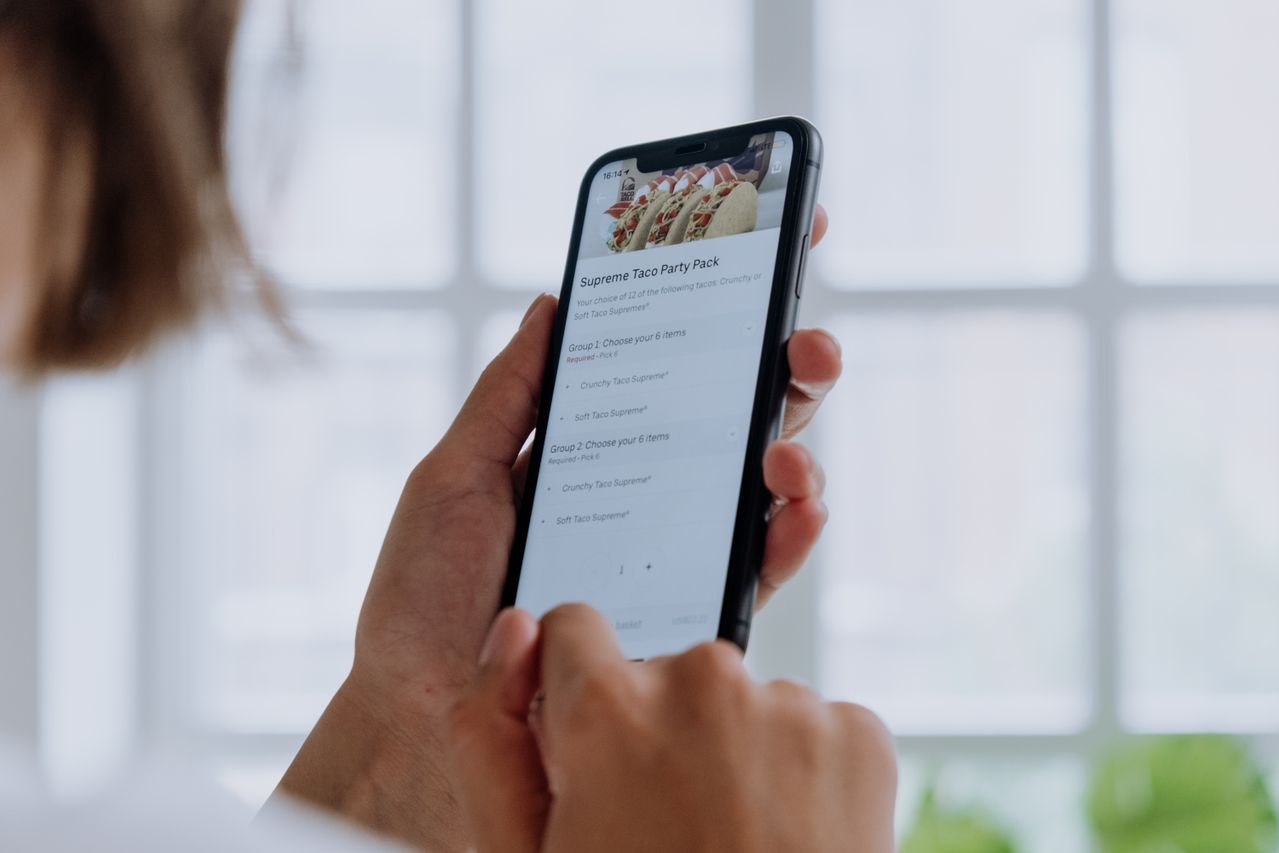
A phone ordering system lets staff key phone orders straight into the same screen as online orders, so every call is priced, recorded and sent to the kitchen without a handwritten ticket. For UK takeaways that still take many orders by phone, it is the quickest way to cut mistakes and missed sales on busy nights.
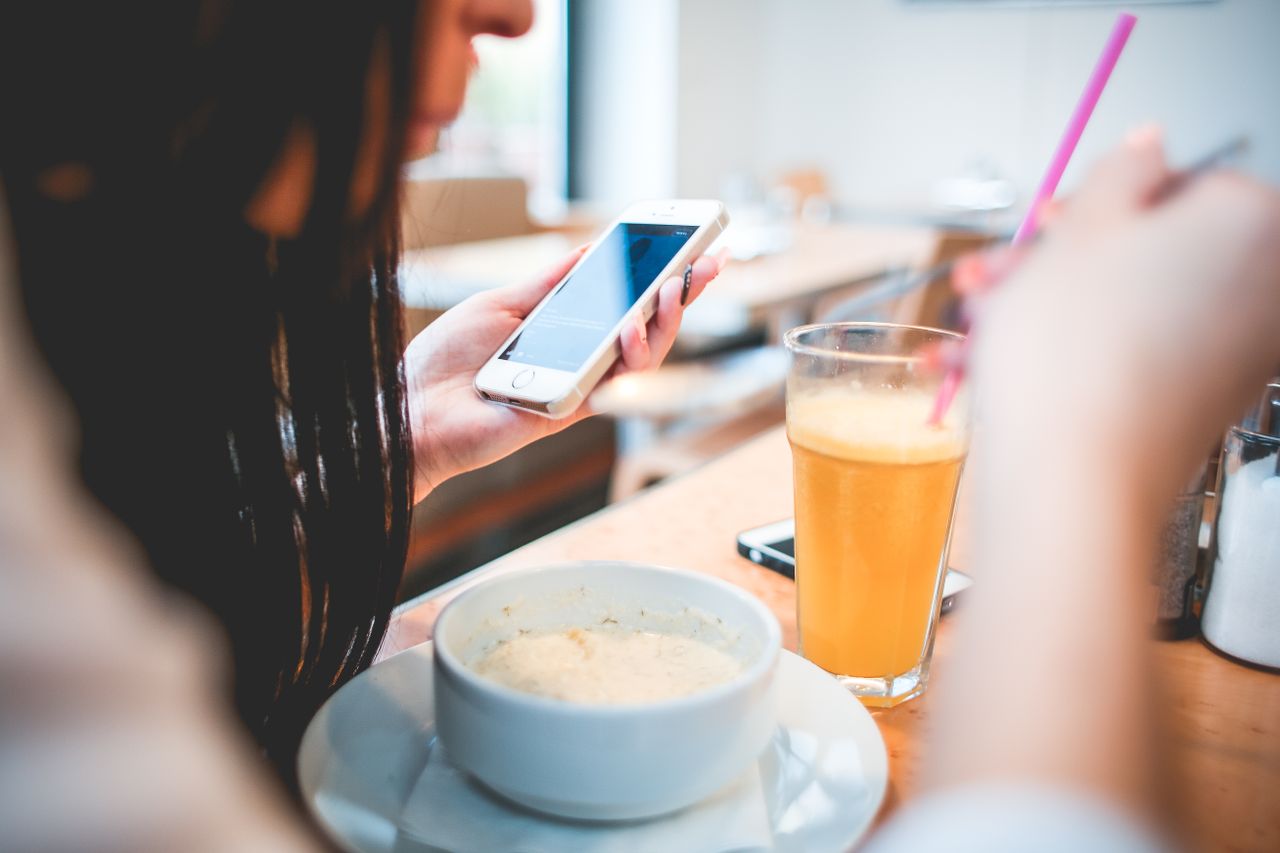
The phone is far from dead. YouGov's Food on Demand research found the telephone was still the single most popular way to order a takeaway, with 66% of Chinese and Thai takeaway customers ordering by phone. The problem is capacity. Maple's 2025 analysis of 1.2 million restaurant calls found that 68% arrive between 11am–2pm and 5pm–9pm, and that restaurants miss around a third of calls at peak.
What is a phone ordering system?
It is software, usually part of your EPOS or online ordering platform, that turns a phone call into a structured order. Instead of writing on a pad, the person answering picks items from your live menu, adds extras, takes the address and sends the order to the kitchen.
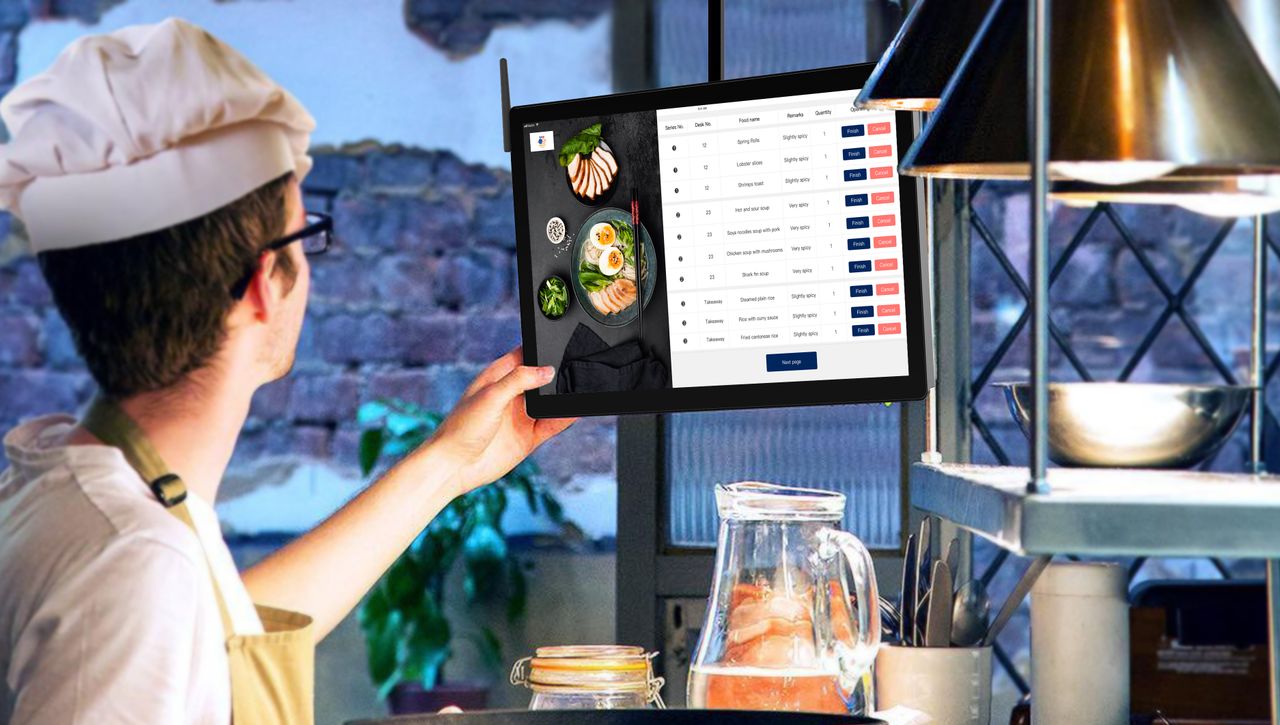
Most takeaways run it on a tablet or a restaurant order taking app at the counter. The same order system app also handles online and walk-in orders, so the kitchen works from one queue instead of three.
Why do phone orders go wrong?
Handwritten phone orders fail in predictable ways:
- Totals are added up by hand, so meal deals and extras are missed
- Addresses and postcodes are misheard or written down wrongly
- Tickets are hard to read and get lost on the pass
- Unpaid delivery orders turn into losses when nobody answers the door
- Staff stay on the phone while the counter queue builds
Each of these costs money on a Friday night, exactly when you can least afford a remake or a refund.
How a restaurant order taking app fixes it
Price every order automatically
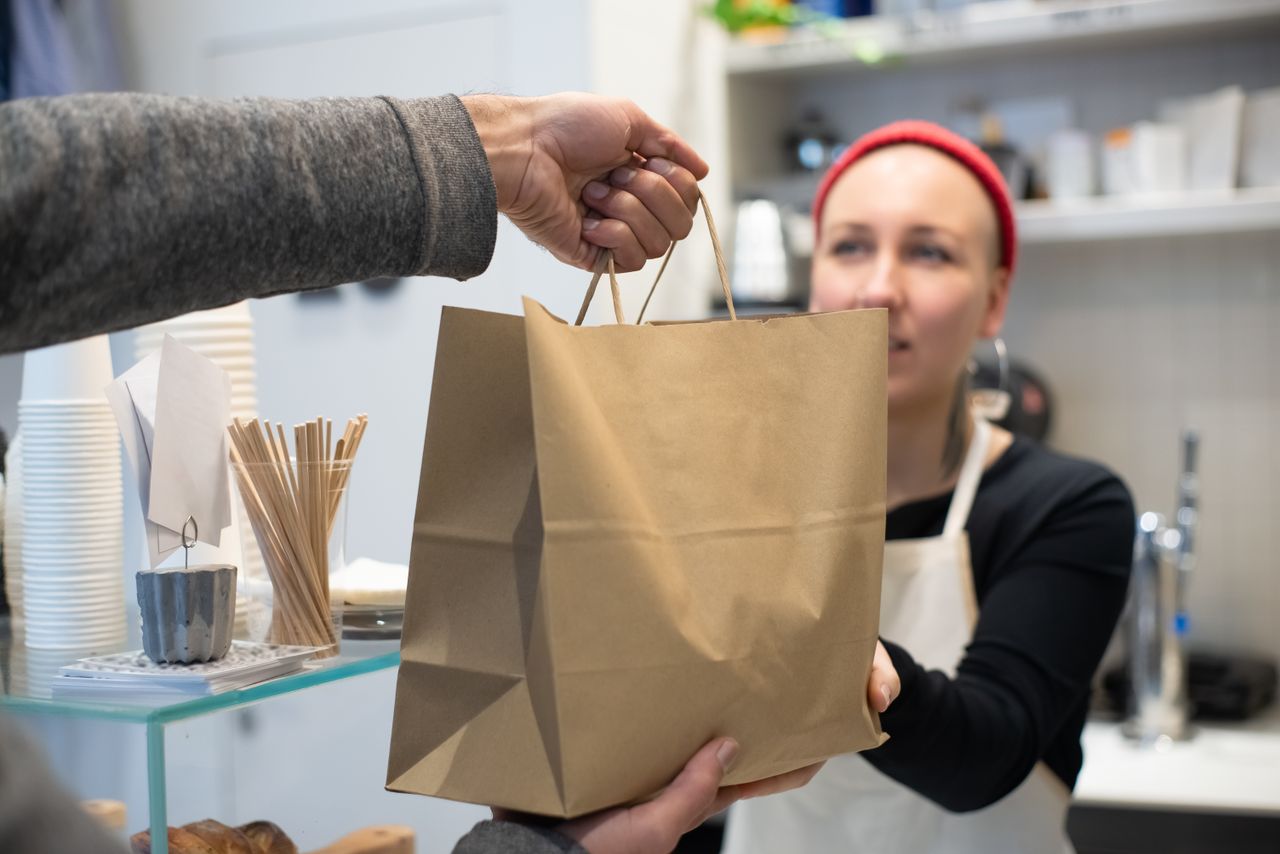
The app pulls prices, deals and minimum order rules from your menu, so the total is always right and nobody needs a calculator.
Recognise returning customers
Look for a system that brings up a regular's address and last order from their phone number. "Same as last week" then takes seconds, not minutes.
Take payment before you cook
Card payment over the phone, or a payment link by text, removes the risk of cooking orders that are never paid for.
Send it straight to the kitchen
Phone orders should print or display in the same place as online orders, clearly marked for delivery or collection with a promised time.
Move regular callers online
The best phone ordering system also reduces calls over time. When staff say "you can order on our app next time", or the receipt includes a link, some callers will switch. Every customer who moves online frees a line at peak and sends you an order with no transcription errors.
Keep the phone for older customers and complicated orders, but make online ordering the easy default for everyone else.
Choosing an ordering system for your restaurant
Pick one platform that handles phone, online, app and counter orders together. Check that phone orders appear in the same sales reports as online orders, that menu changes update every channel at once, and that it keeps working if the internet drops.
The bottom line
A phone ordering system turns your busiest channel from a source of errors into tidy, trackable orders. OrderApps EPOS puts counter, phone, table and online orders on one screen, so every order reaches your kitchen the same way.
Ready to grow your food business?
Online ordering system, a branded restaurant ordering app, table booking and EPOS on one platform, with plans from £19/month.