A kitchen display system is right for you if you take orders from more than one channel or run more than one station; a ticket printer is right if you are a small, single-line kitchen that needs something cheap and unbreakable. Many UK takeaways end up with a screen at the pass and a printer as backup.
The choice matters more than it did five years ago. The NIQ Hospitality at Home Tracker for May 2026 shows restaurant delivery sales up 8.9% year on year, so more orders now arrive by app and website and fewer from a person at the counter. Paper handles one channel well; it struggles with four.
How does each option work?
A ticket printer sits on your counter or kitchen wall and prints every order as it lands from the till, website or app. Cooks tear the ticket, cook from it, and spike it when done.
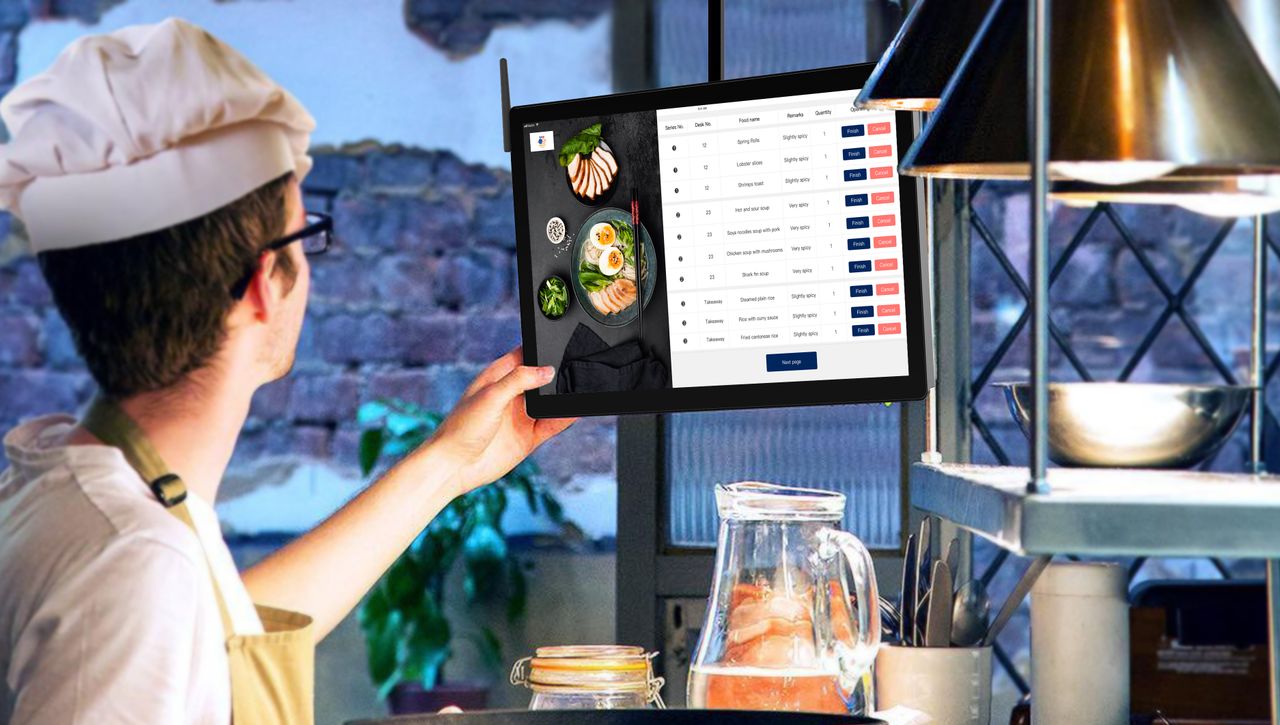
A kitchen display system, or KDS, replaces the paper with a screen. Orders appear as tiles, change colour as they age, and are bumped off with a tap when complete. Most link back to the till so the front of house can see order status.
Kitchen display system vs ticket printer: the practical differences
Where a KDS wins
- Orders from every channel arrive in one timed queue, so nothing is lost behind another ticket.
- Colour-coded ageing shows which order is late before the customer asks.
- Items can be routed by station, so the grill sees grill items and the fryer sees fryer items.
- Ticket times are recorded automatically, giving you data on your slow points.
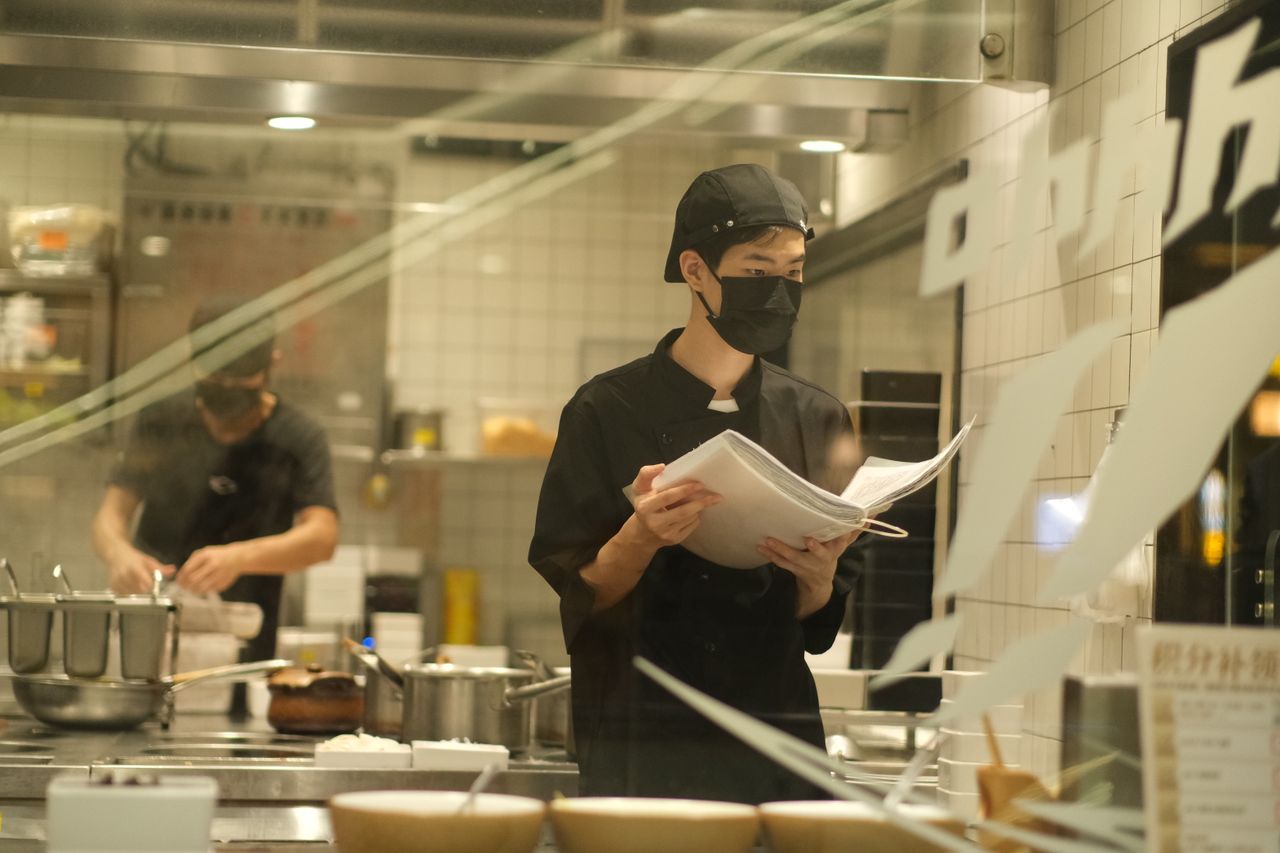
Tableview's 2026 analysis of kitchen operations puts the typical ticket-time improvement at 10 to 30% once a KDS is configured properly, and reports remake rates falling by a third to a half compared with paper.
Where a printer wins
A thermal printer costs a fraction of a screen, needs no configuration and survives heat, grease and flour. When it fails, everyone can see why. For a two-person kitchen where both cooks see every order anyway, a printer is often all you need.
What does each cost in the UK?
A kitchen ticket printer is typically a one-off purchase in the low hundreds of pounds plus paper rolls. A KDS screen costs more up front and usually carries a monthly software fee per screen. For a three-station takeaway, expect a printer setup to be a few hundred pounds and a KDS setup to run into four figures in year one.
The KDS pays back through fewer remakes and faster tickets, which matters most at peak volume. Below roughly 100 orders a day the maths is less clear-cut.
Common mistakes when switching
The biggest error is installing a screen and leaving the printer workflow in place, so cooks read both and trust neither. Decide which is the source of truth. The second is placing the screen where steam or glare makes it unreadable. The third is skipping station routing, which is where most of the time saving comes from.
The bottom line on kitchen display system vs ticket printer
Choose a kitchen display system when orders come from several channels or stations and you need timing data; choose a ticket printer when you are small, single-line and cost-conscious. OrderApps supports both, sending online, app and EPOS orders to a printer or a kitchen display so UK takeaways can start simple and upgrade when volume demands it.
Ready to grow your food business?
Commission-free online ordering, a branded restaurant ordering app, table booking and EPOS on one platform, with plans from £19/month.