To set up online ordering for your restaurant, choose a commission-free ordering platform, build your menu with photos and modifiers, connect card payments, set delivery and collection rules, link orders to your kitchen, add ordering buttons everywhere customers find you, then test and launch. Most independents complete this in a week.
The demand is there. Lumina Intelligence's UK Foodservice Delivery Market Report 2026 values the market at £14.8bn, up 2.8% year on year, and notes that direct-to-consumer delivery is no longer optional for operators. Deliveroo's own 2024 results put the average order at £25.10, so every order you take directly rather than through a marketplace keeps a meaningful sum in your till.
How to set up online ordering for your restaurant, step by step
1. Choose a commission-free platform
Decide whether you want a web ordering page, a branded app, or both. Compare providers on monthly cost, card processing rate, whether you own the customer data, and whether orders flow into your till. Avoid anything that charges a percentage per order; that is the marketplace model you are trying to escape.
2. Build a menu that sells
Upload your menu with clear categories, short descriptions and a photo for each best seller. Add modifiers for sizes, extras and dietary options so customers do not phone with questions. Keep the online menu slightly shorter than the printed one.
3. Connect payments and set your fees
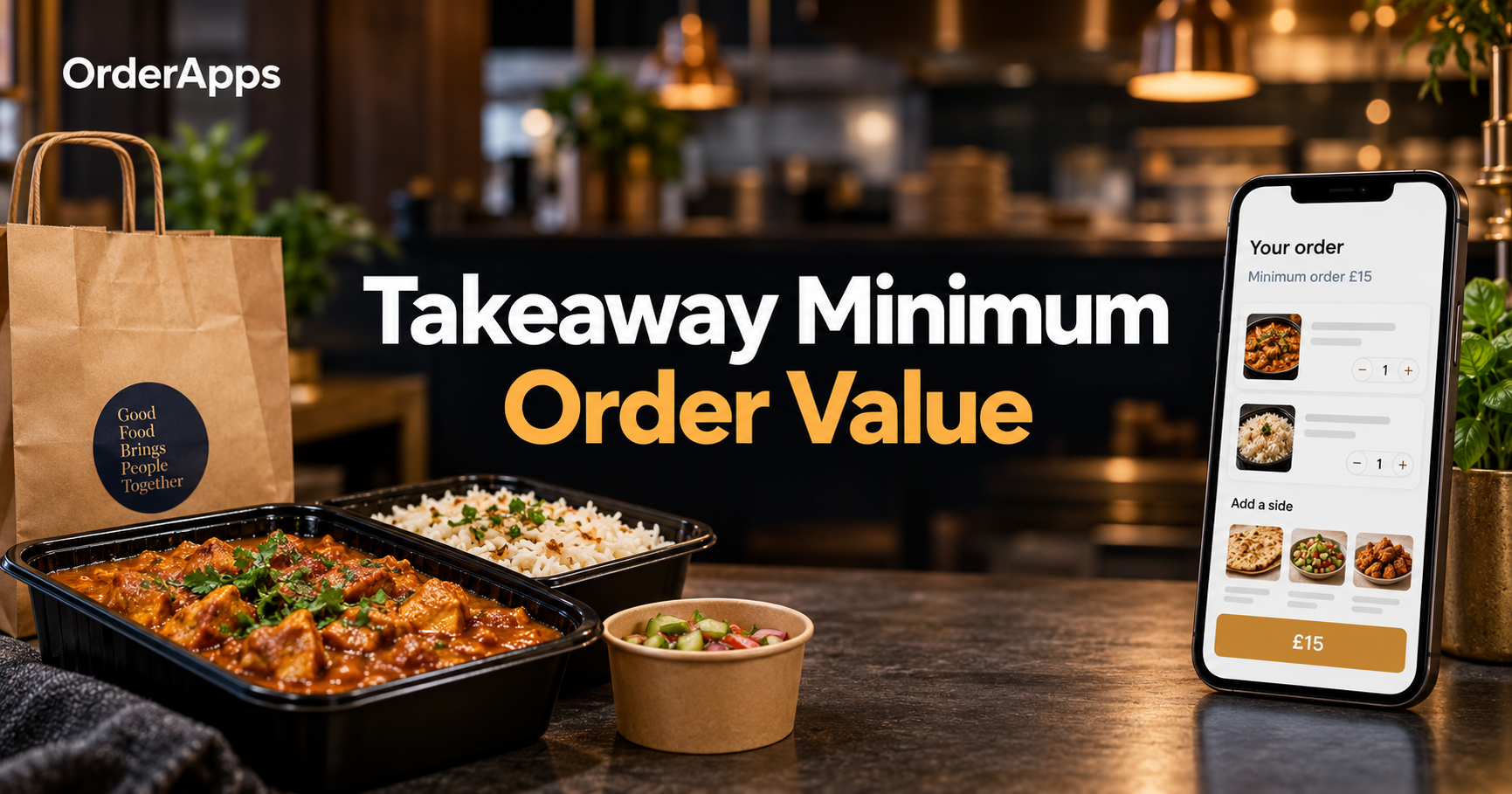
Link a card processor so customers can pay by card, Apple Pay and Google Pay. Decide on a minimum order value, a delivery charge by distance or postcode, and whether collection gets a small discount to encourage it.
4. Set delivery and collection rules
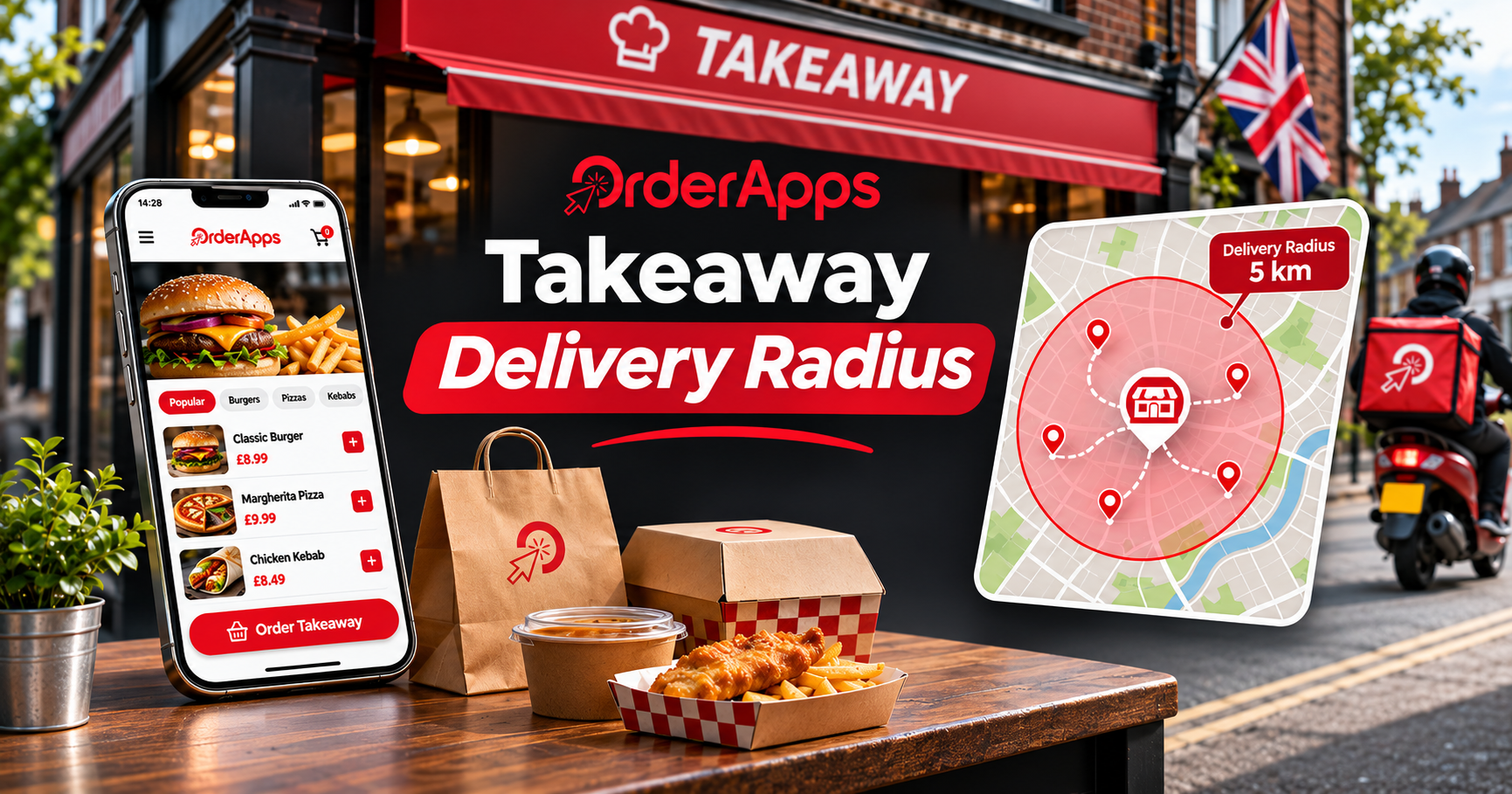
Define your delivery zone, opening hours for ordering, preparation times and how far ahead customers can pre-order. Build in a busy-mode setting so you can extend wait times on a Friday without switching ordering off.
5. Route orders to the kitchen
Orders should print or appear on a kitchen display automatically, not on a tablet someone has to watch. If you already run an EPOS, check the ordering system connects to it so sales reporting and stock stay accurate.
6. Put the ordering link everywhere
Add an order button to your website, Google Business Profile, Instagram bio and Facebook page. Print a QR code on menus, flyers and delivery bags. Customers who already know you should never have to search a marketplace to find you.
7. Test, launch and tell your regulars
Place test orders on several devices, then go live on a quieter day. Announce a launch offer by SMS, email or push notification, and remind collection customers that ordering direct is cheaper for everyone.
What should you check in the first month?
Watch four numbers each week:
- Orders per day by channel, so you can see direct orders growing
- Average order value, which good modifiers and upsells should lift
- Repeat customer rate, the clearest sign your app or site is sticking
- Cancelled or late orders, which point to prep-time settings that need adjusting
Common restaurant online ordering setup mistakes
The biggest error is launching quietly and assuming customers will find the new channel. The second is leaving marketplace listings untouched; use them to point people to your own site next time.
How to set up online ordering for restaurant success
Knowing how to set up online ordering for your restaurant is mostly about sequence: platform, menu, payments, rules, kitchen, visibility, launch. OrderApps provides commission-free online ordering and branded apps that connect to its EPOS and kitchen display, so UK restaurants and takeaways can complete all seven steps in one place.
Ready to grow your food business?
Online ordering system, a branded restaurant ordering app, table booking and EPOS on one platform, with plans from £19/month.