Setting up a restaurant reservation system well means mapping your real floor plan, giving each table a realistic turn time, pacing arrivals so the kitchen is never swamped, and applying deposits and reminders only where no-shows genuinely hurt. Get those settings right and the system largely runs itself.
The Resos No-Show Index 2026, built on 2.03 million UK reservations across 1,089 restaurants, puts the UK no-show rate at 1.48%. It also found Monday is the worst day at 2.69%, and bookings made two to six days ahead are the riskiest at 2.67%. Your settings should reflect those patterns rather than treating every booking the same.
Start with an honest floor plan
List every table with its minimum and maximum covers, then group them into areas such as window, bar and garden. Mark which tables can be joined for parties of six or more.
Resist adding tables you rarely use. Phantom capacity is how a table reservation system for restaurants ends up overbooking a Friday night.
Set booking windows per area
Open the garden only from April to September, and keep bar high-tops for walk-ins until 6pm. Most restaurant reservation management systems let you set these rules per area.
How long should turn times be?
OpenTable's guidance for restaurants suggests most guests spend 50 to 80 minutes dining, but your own EPOS data is a better source. Pull the average time between first order and bill paid for lunch, midweek dinner and weekend dinner.
Then set turn times by service, not one global figure: perhaps 75 minutes for lunch, 90 for a midweek dinner and 105 for Saturday night, each with a 10-minute reset built in.
Pace arrivals, not just tables
Pacing caps how many covers can be seated in each 15-minute slot. Set it to what your kitchen can plate, not what your floor can hold.
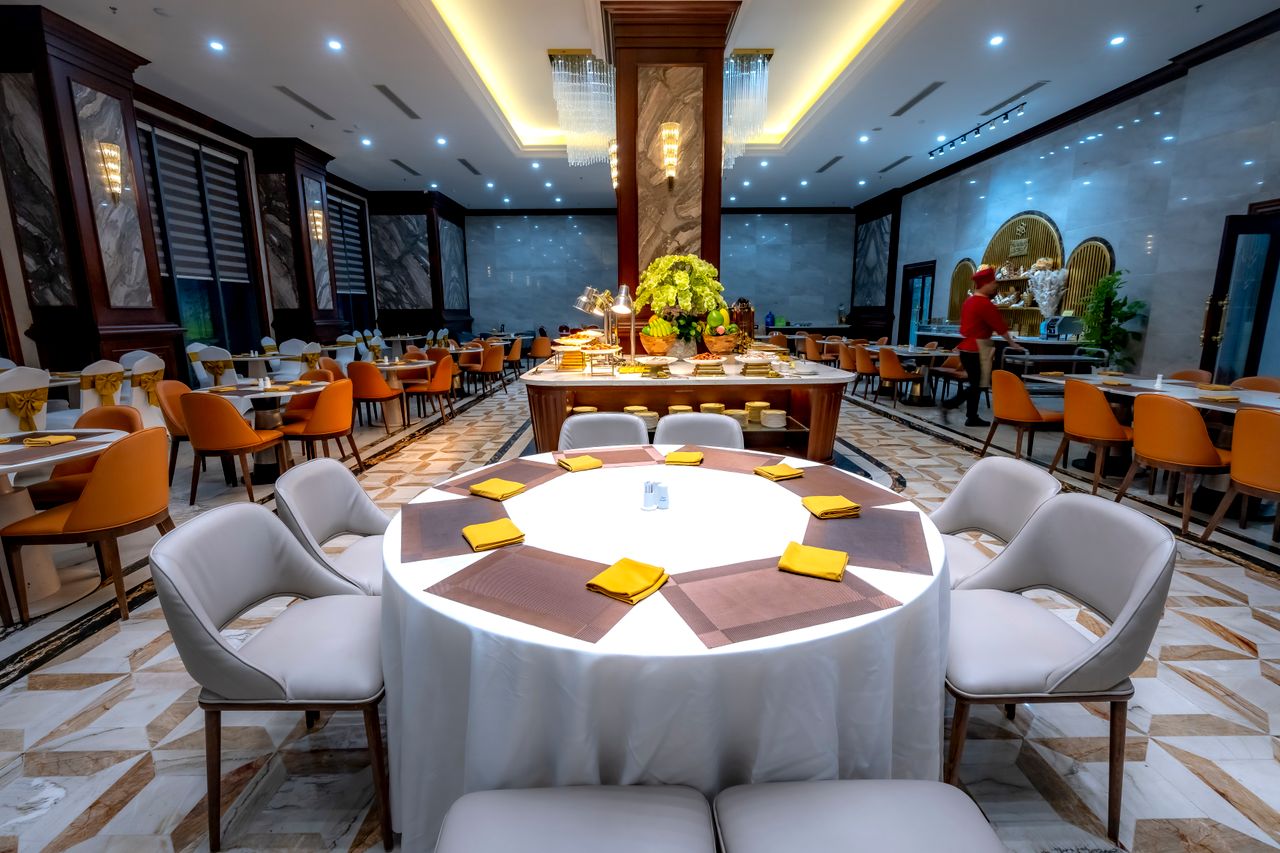
A 60-seat restaurant might allow 16 covers per slot at peak and leave 7.30pm slightly under capacity. That gap absorbs late arrivals and walk-ins, which matter more now that OpenTable's 2026 UK survey of 2,005 adults found 47% of diners want more spontaneous dining.
When should you ask for a deposit?
Be selective. Takepayments' 2025 UK dining report, surveying 1,500 adults, found 66% of diners are put off by deposit requests and 57% are less likely to book if card details are required. Resos recorded 0.80% no-shows on payment-protected bookings against 2.47% without, while noting that partly reflects which bookings get protected. A sensible rule set for an online restaurant reservation system looks like this:
- Groups of six or more: £10 per head, refundable up to 48 hours before
- Friday and Saturday dinner tables of four or more: card hold, charged only on a no-show
- Set menus, tasting nights and events: full pre-payment at booking
- Every other booking: no card details, just automated reminders
Reminder timings and the waiting list
Resos found bookings with a delivered SMS reminder had a 16% lower no-show rate. Send a confirmation immediately, an SMS 24 hours before with a one-tap cancel link, and a final nudge two hours before peak services.
Then switch on the waiting list, so a table cancelled through that link is offered automatically to the next person in the queue.
Putting your restaurant reservation system to work
A restaurant reservation system is only as good as its settings: an accurate floor plan, service-specific turn times, kitchen-led pacing, targeted deposits and well-timed reminders. OrderApps' table booking tool includes floor plans, deposits, SMS reminders and a waiting list alongside its ordering and EPOS, so independents can configure all of it from one dashboard.
Ready to grow your food business?
Online ordering system, a branded restaurant ordering app, table booking and EPOS on one platform, with plans from £19/month.